Write in Markdown.
Read it or present it, just as you wrote it.
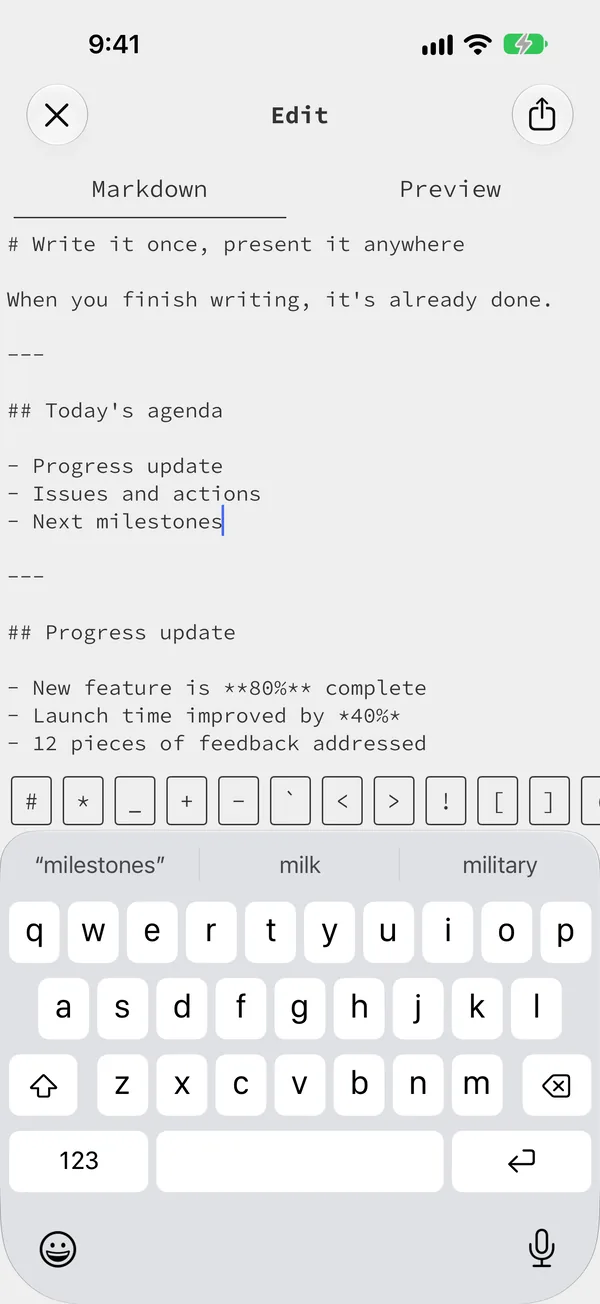
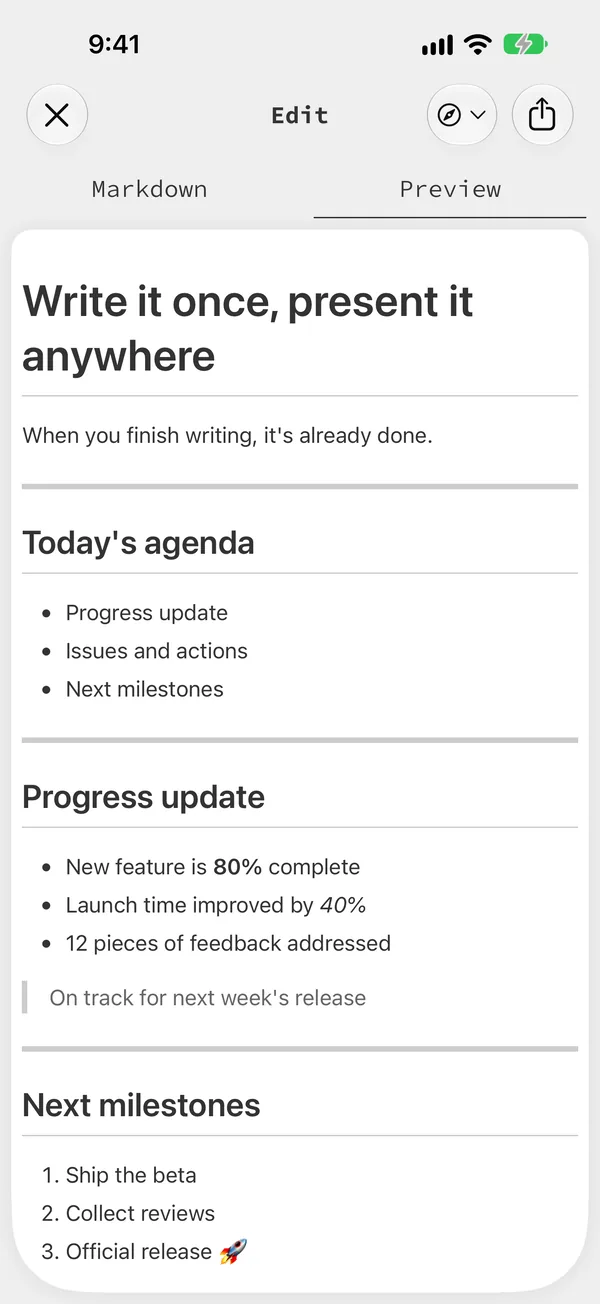
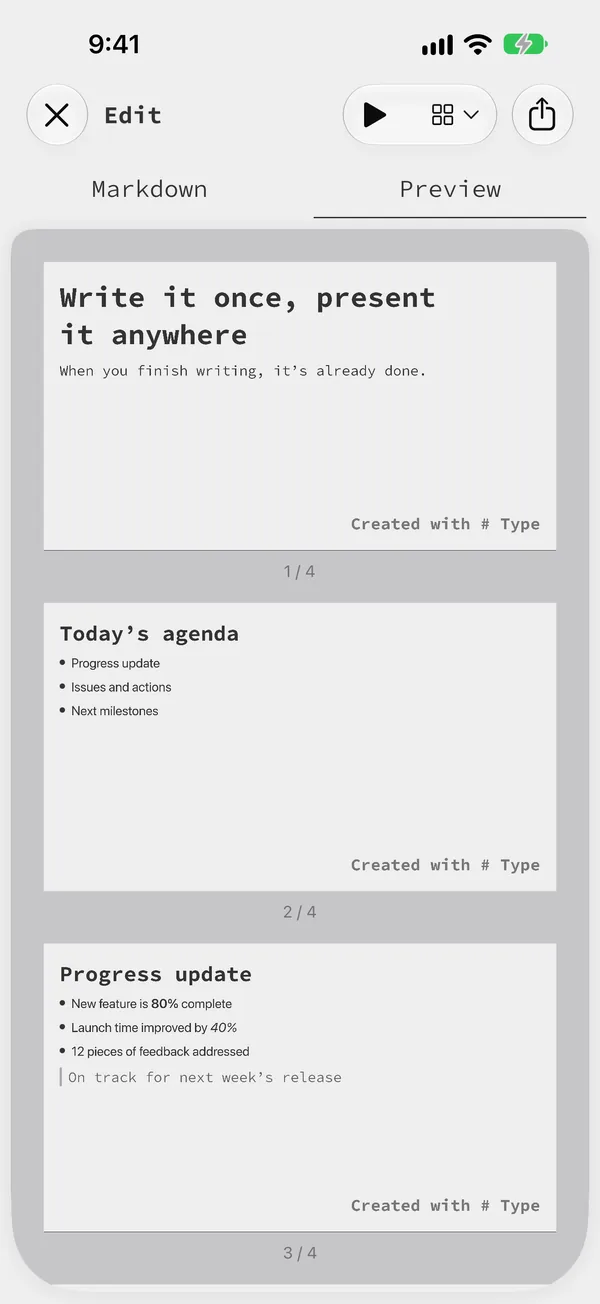
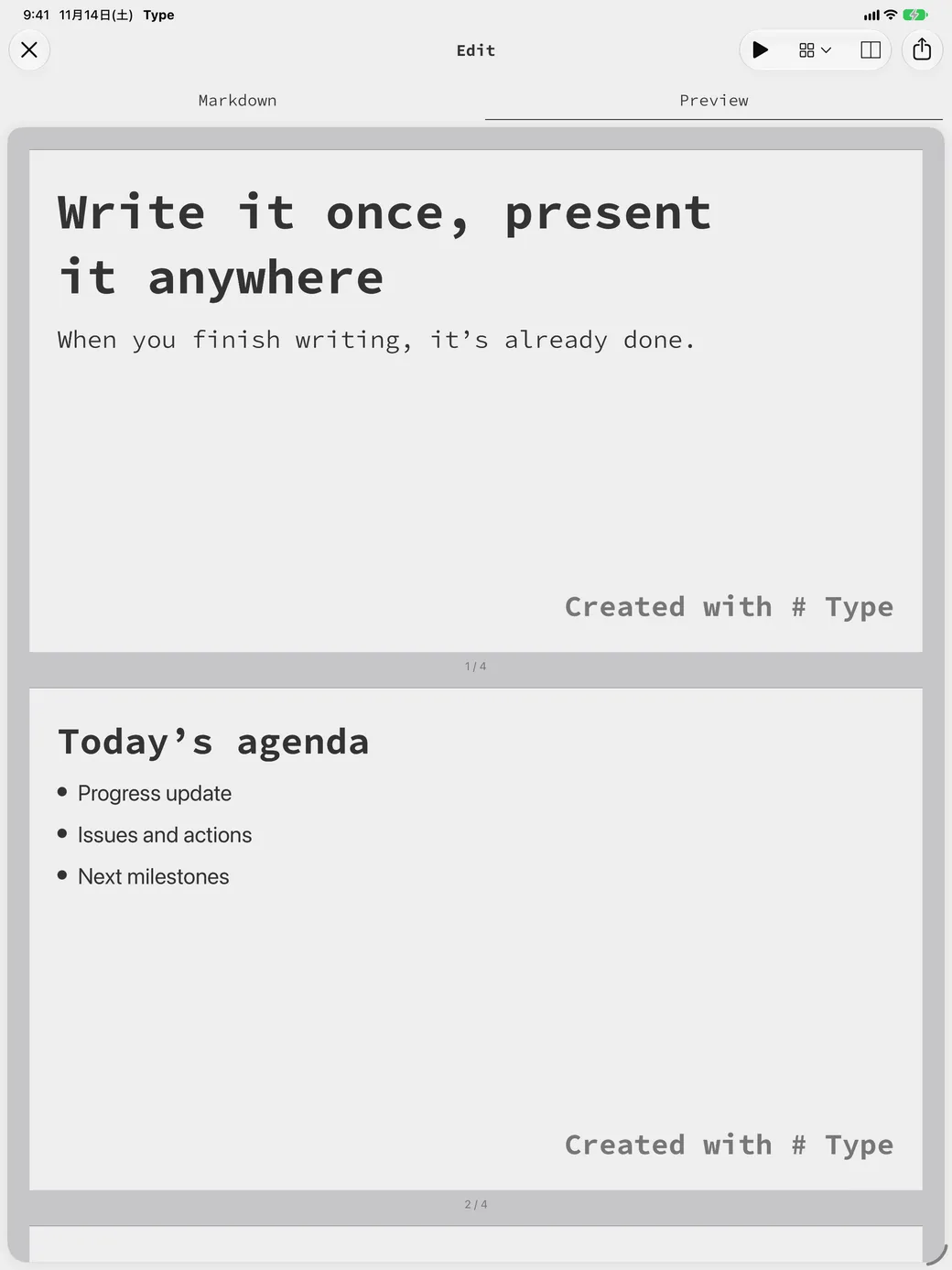
# Type is a Markdown editor for iPhone, iPad and Mac. Jot things down the moment they come to you and swipe to preview. Split the same document with --- and it becomes slides you can present or export to PDF.

Weekly review
Getting this week down first.
What moved
- Shipped the new screen
- Launch is 40% faster
Capture ideas in a second
A one-tap Markdown toolbar. Swipe, and you're looking at the preview.
- Markdown toolbar
#*-`and friends sit right above the keyboard, so you never hunt for symbols. - Swipe to previewSwipe across the editor to see your document rendered and easy to read.
- Saves automaticallyClose the document or switch apps — what you wrote is already saved.
- Images and searchAdd photos to a document, search everything, and archive what you're done with.
Present and export to PDF
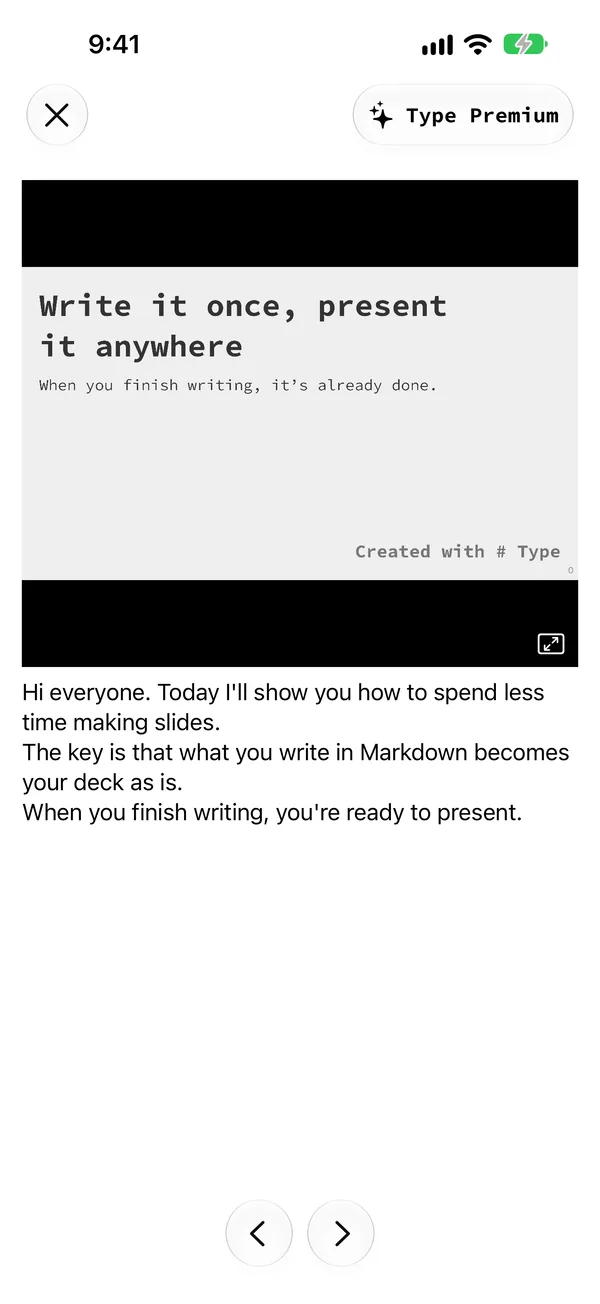
The document you wrote is the deck. No rebuilding it in another app.
- Split with
---Plain Markdown, as usual. Each section between the lines becomes one slide. - Speaker notes in the same fileLines starting with
^are your script. They stay off the slide and show up on your screen while presenting. - Presentation modeConnect a display or AirPlay: slides go to the big screen, controls and notes stay with you.
- Hand it out as a PDFExport the deck to PDF and share it right away. Mermaid diagrams work too.
# Quarterly review
^ Lead with the conclusion

---

## What went well
- Launch time is 40% faster
On iPhone, iPad and Mac
Draft on the go, finish at your desk. Sign in to your account and pick up where you left off on any device.
- One app, three devicesGet it once from the App Store and use it on iPhone, iPad and Mac.
- Sync with your accountDocuments sync through your # Type account (not iCloud). Sync is part of Type Premium.
- iPhone
- iPad
- Mac
FAQ
- Is it free?
- Yes. Writing, previewing, presenting and exporting to PDF are all free. On the free plan, slides and PDFs carry a small “Created with # Type” in the corner.
- Does it sync with iCloud?
- No. # Type syncs through its own account. Subscribe to Type Premium and register (or sign in) to open the same documents on iPhone, iPad and Mac.
- How do I make slides?
- Put a line with just
---where you want a new slide. Switch the preview to slides and you can start presenting. - I'm on the original Sync plan.
- You already have every Type Premium feature. Nothing to do, nothing extra to pay.
When you finish writing, it's already done.